
Planning a party or just collecting drinks to try later? The little green heart 💚 in the lower-right corner lets you save recipes you love so you can find them fast! In this guide, I explain step-by-step how it works, help you troubleshoot issues and share my favorite tips and tricks.
How it works
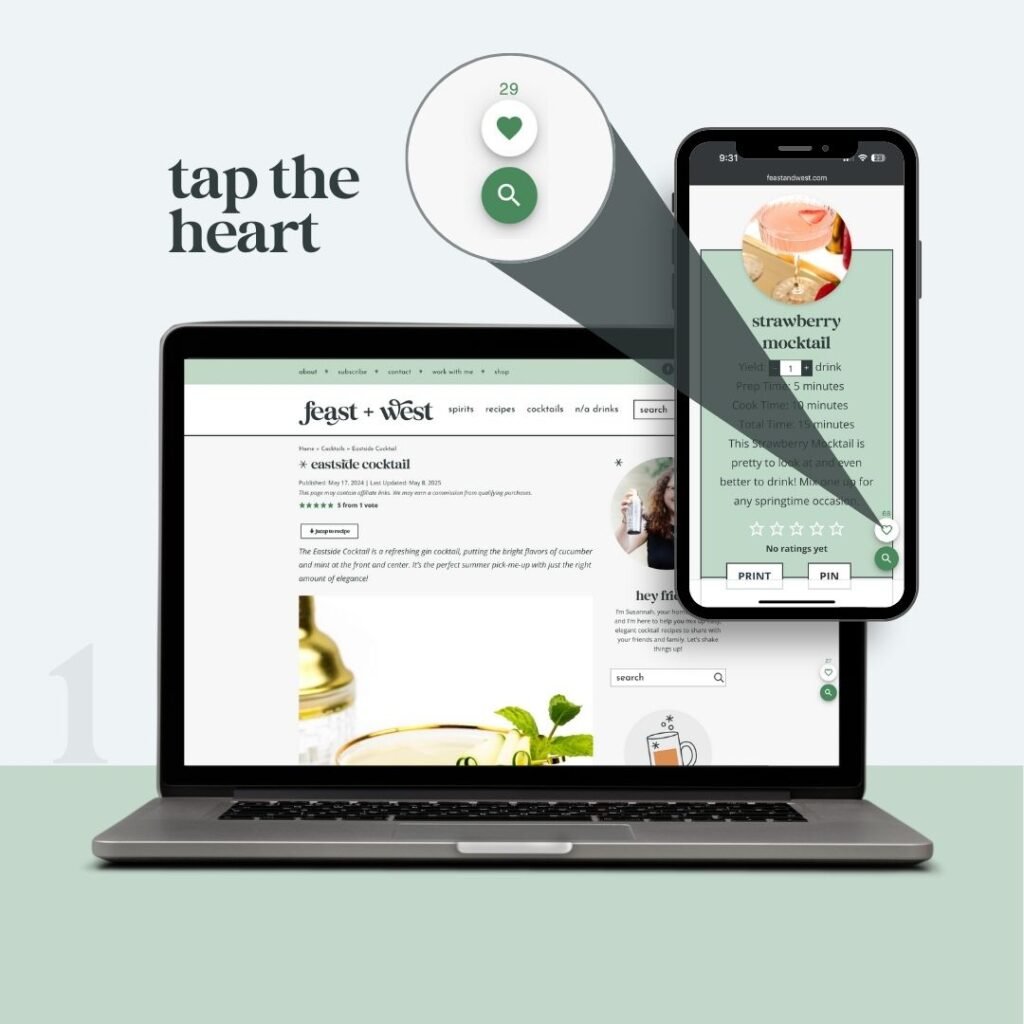
- Tap the heart on any recipe
You’ll see the heart fill in — that means it’s saved.
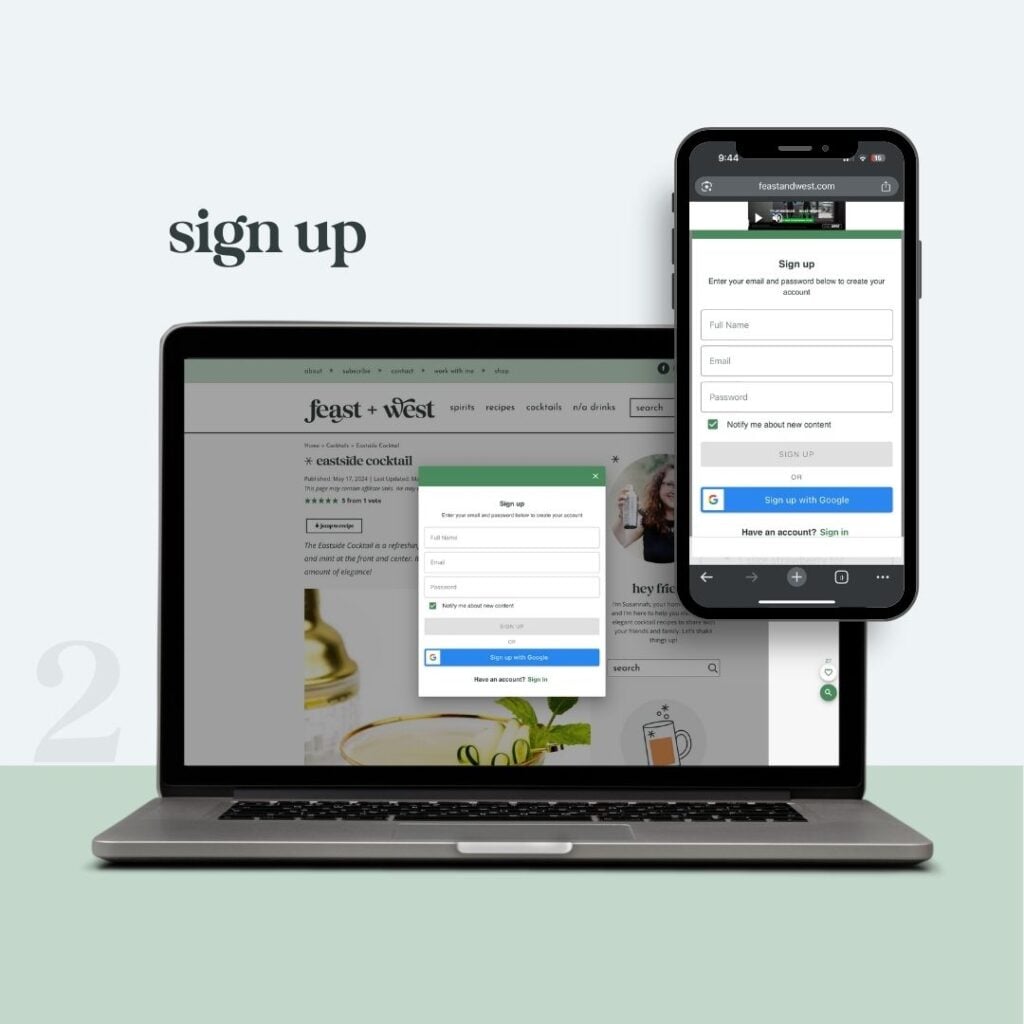
- Enter your email
On the next screen, sign up. This lets Slickstream, the tool behind the scenes, keep your favorites in one place across devices.

- Open your saved list
Once you enroll, a small ribbon appears. Click the ribbon any time to see every cocktail you’ve saved.
Watch it in action
Video not loading? Click to open the video in a new tab.
Why save recipes?
Saving recipes makes it super easy to access your faves again in the future.
- Plan a home bar for the season or your next get-together
- Build a custom menu for holidays or game day
- Keep track of drinks you want to try this weekend
- Save recipes you’ve made and loved
- Bookmark recipe lists and cocktail tips

Tips & tricks
- You can save from any recipe card or post page. It doesn’t even have to be a recipe — it works on our articles, gift guides and how-to pages as well.
- The dashboard shows your full list in one click for easy access from mobile or desktop.
- Change your mind later? Tap the heart again to remove it.
Troubleshooting
Refresh the page or turn off any ad or script blockers. If the issue persists, try clearing your cache and restarting your browser. You can also restart your device or try a different browser.
Make sure you entered the same email on each device, then click the ribbon to sync.
I get it! Simply log in and click “Delete my Account” if you change your mind.
You probably opted in to receive emails when you signed up. Feel free to click the “unsubscribe” or “update preferences” link in the bottom of any email. I totally understand!
Privacy note
Your saved list is private. I can see how many people saved a post overall — helpful for planning future recipes — but not who saved what.
- Feast + West Privacy Policy
- Slickstream Privacy Policy — The software I use to run this Favorites app
- Raptive Privacy Policy — My ad network who makes the Slickstream software
Need help?
Reply to any Feast + West email or contact me here and I’ll get you sorted.


